
Restore Faded Color
May 17, 2012So I went back to the Grand Canyon recently and did a handful of campfire drawings. I did the sketching and inking at camp and then colored them with pencil in the car ride home. Actually I only did some of the coloring in the car because (as usual) I got carsick and had to finish the rest at home.
That was easy part. But getting motivated to scan the drawings, that’s a whole different story. The first three drawings scanned with no issues.
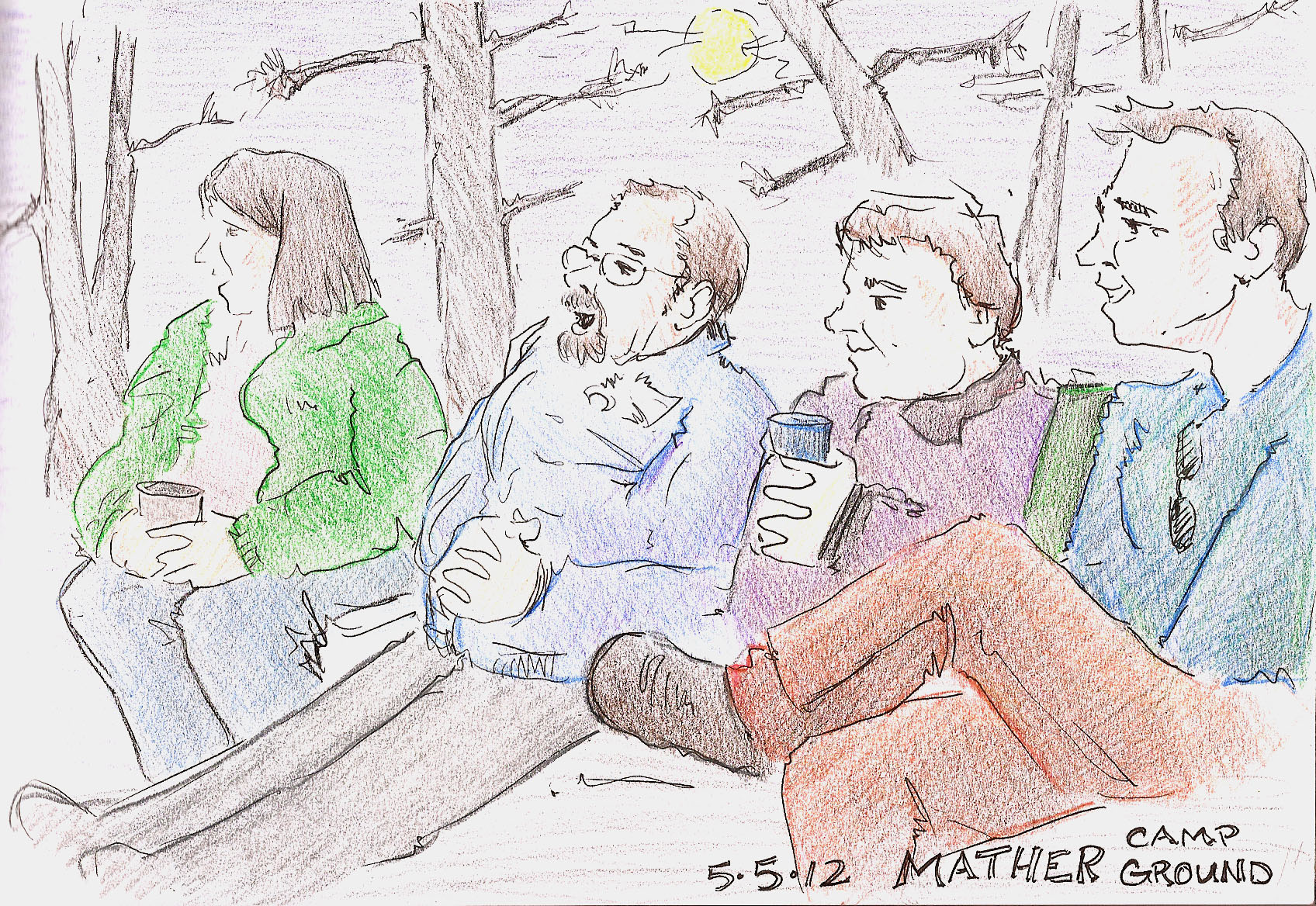


But when I went to scan the last one I had some trouble. It came out way too faded…
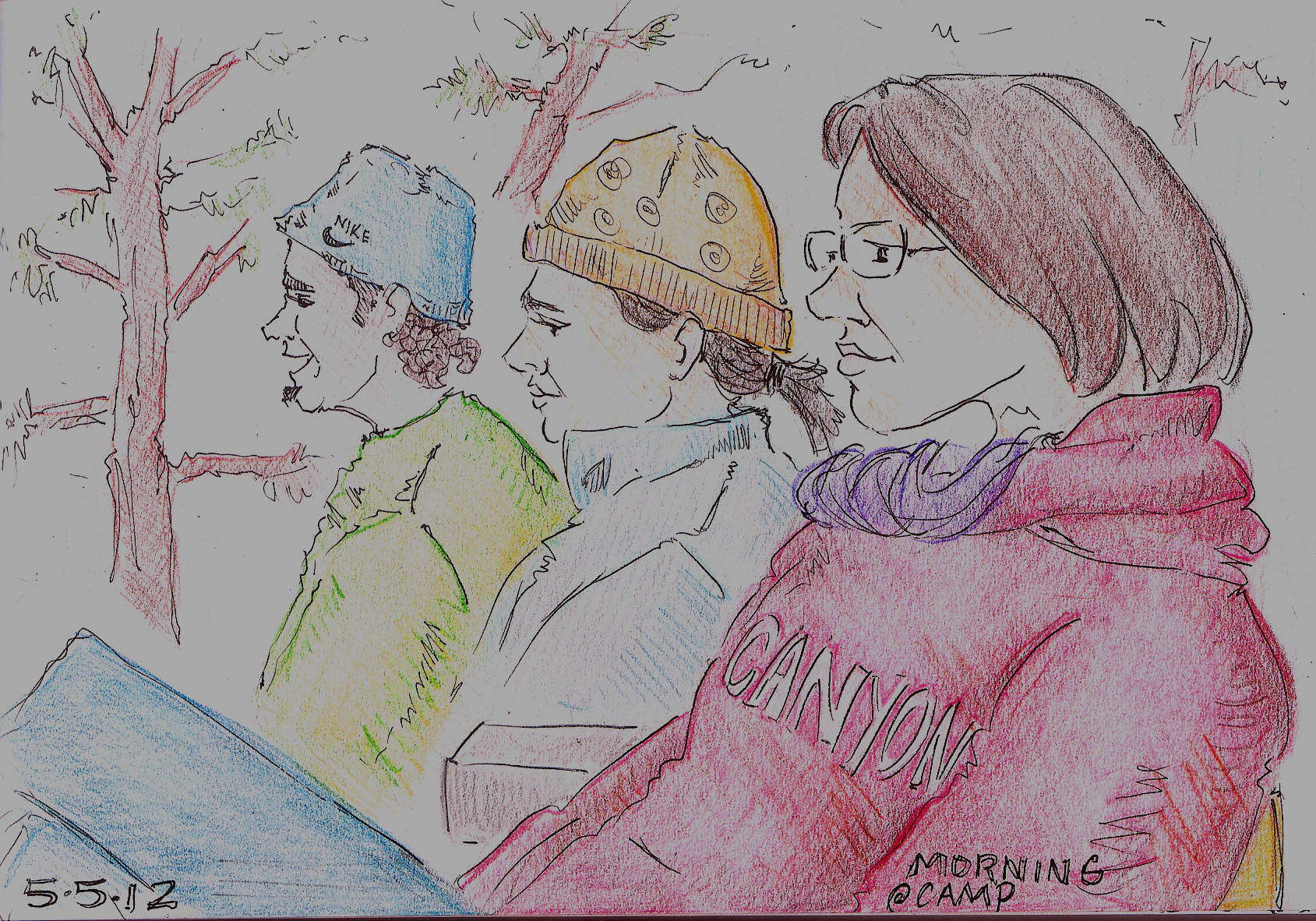
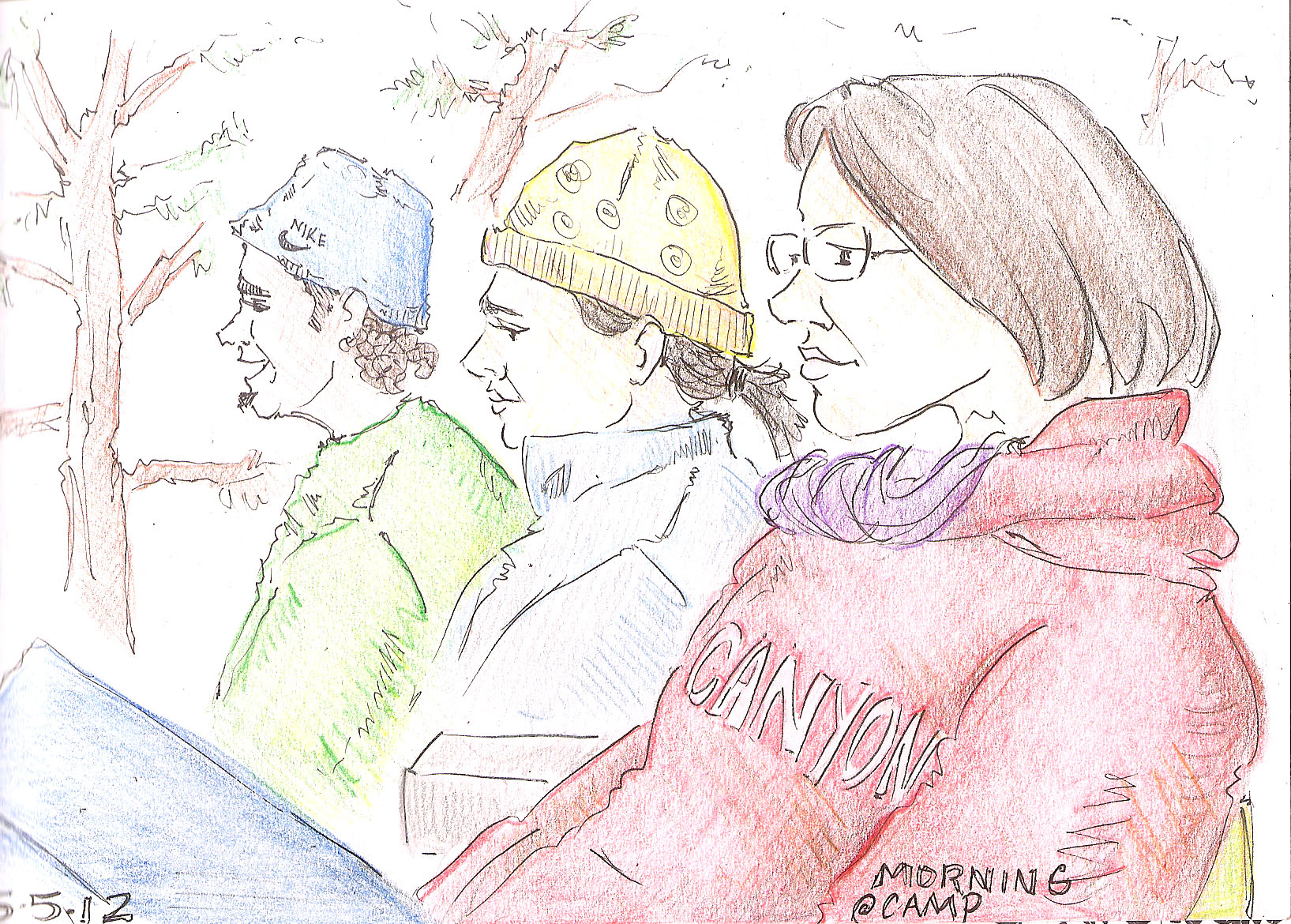 Everyone just looked pale and sickly, which is not how I colored them. And the sky just looks white. This sometimes happens when I am scanning and it drives me crazy. I attempted to fix it by adjusting the contrast in photoshop to punch up the colors, but then I had to change the brightness as well, which made it come out too dark…
Finally I tried to rescan the drawing altogether (which took an enormous amount of patience on my part) and this time I noticed something that I have never noticed in all my centuries of scanning drawings: the “restore faded color” option. Just put a check mark in the box and wahlah…
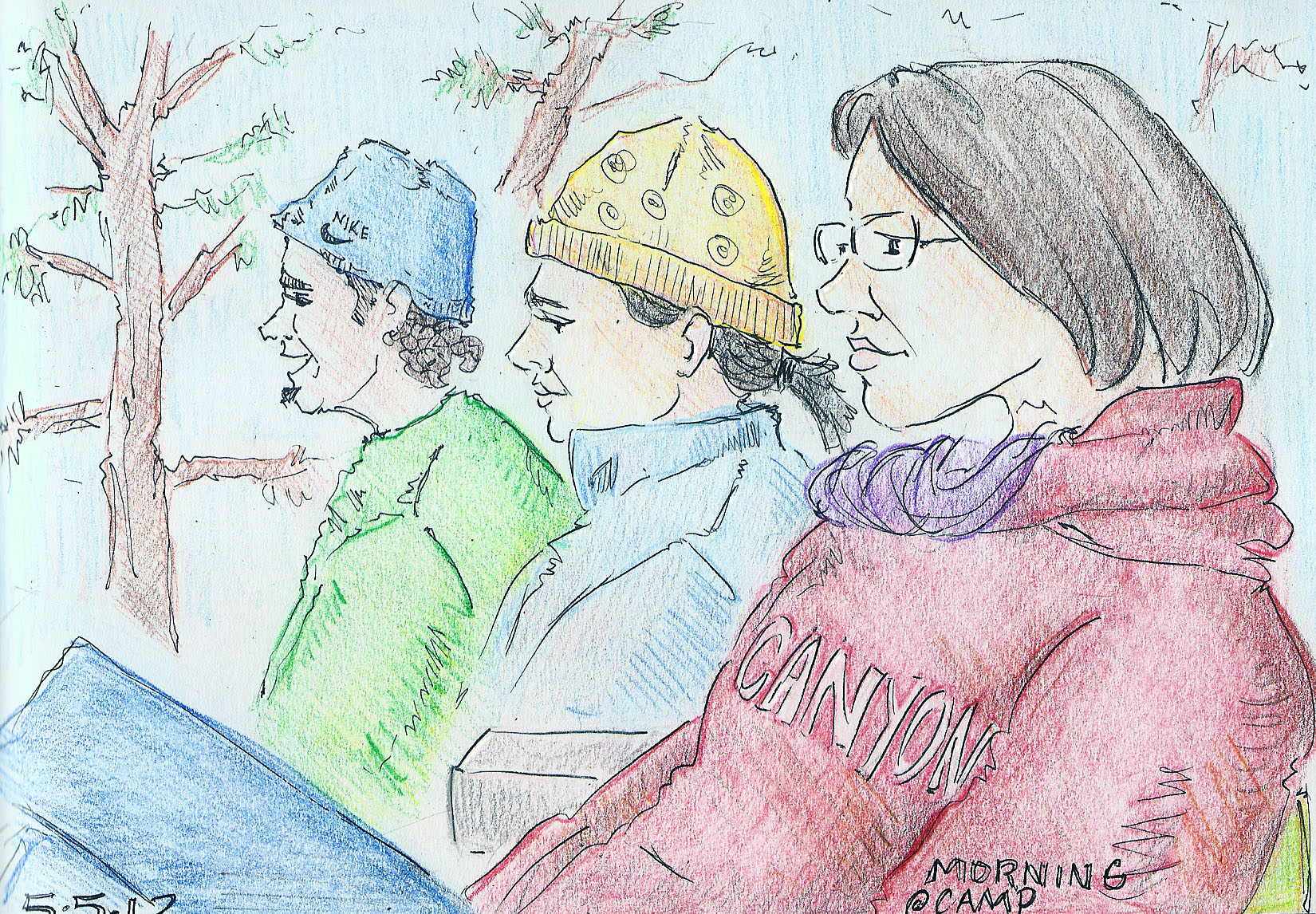
You learn something new every day.
 sketchbookfactory
I do look better with that blue sky 🙂